It sees
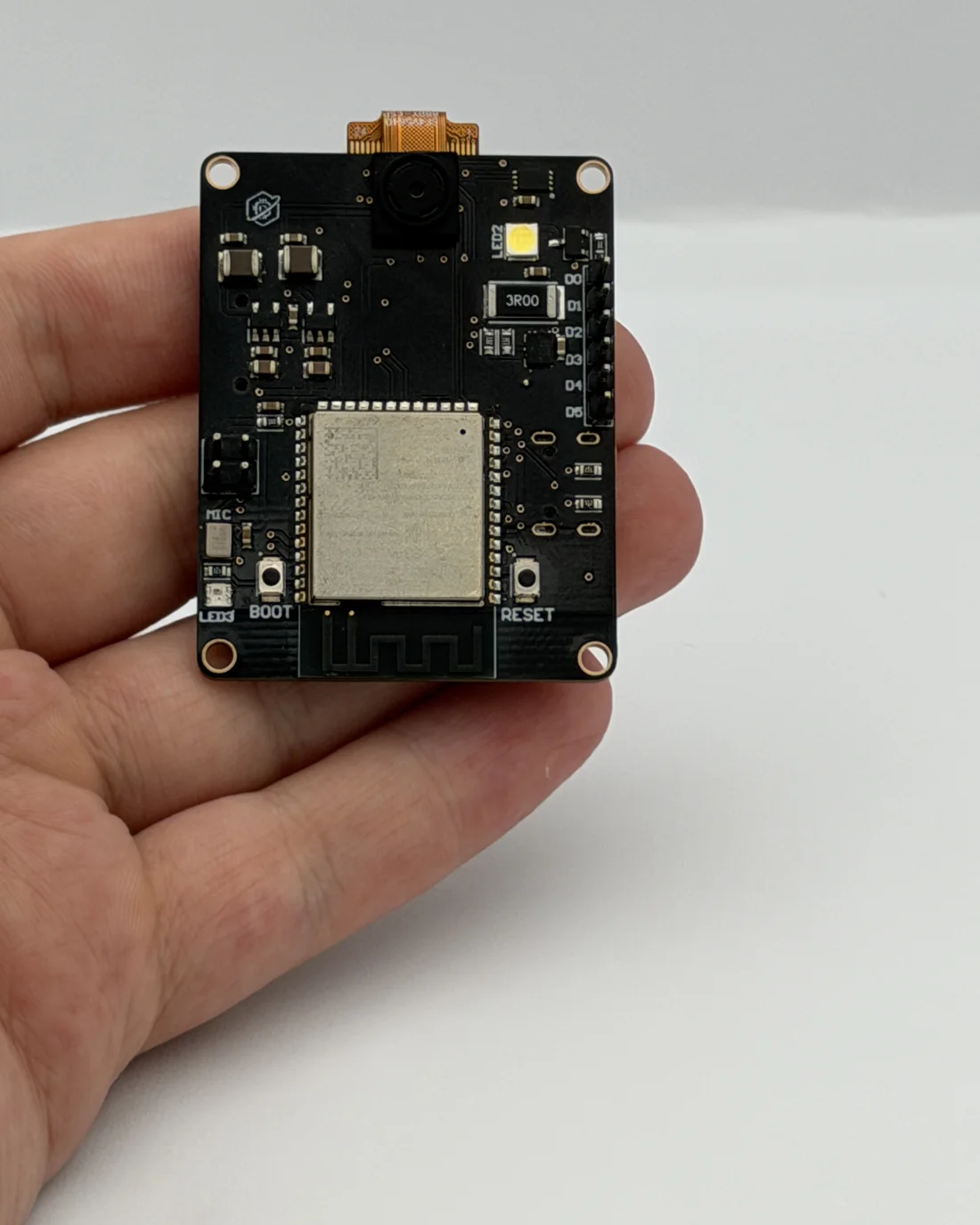
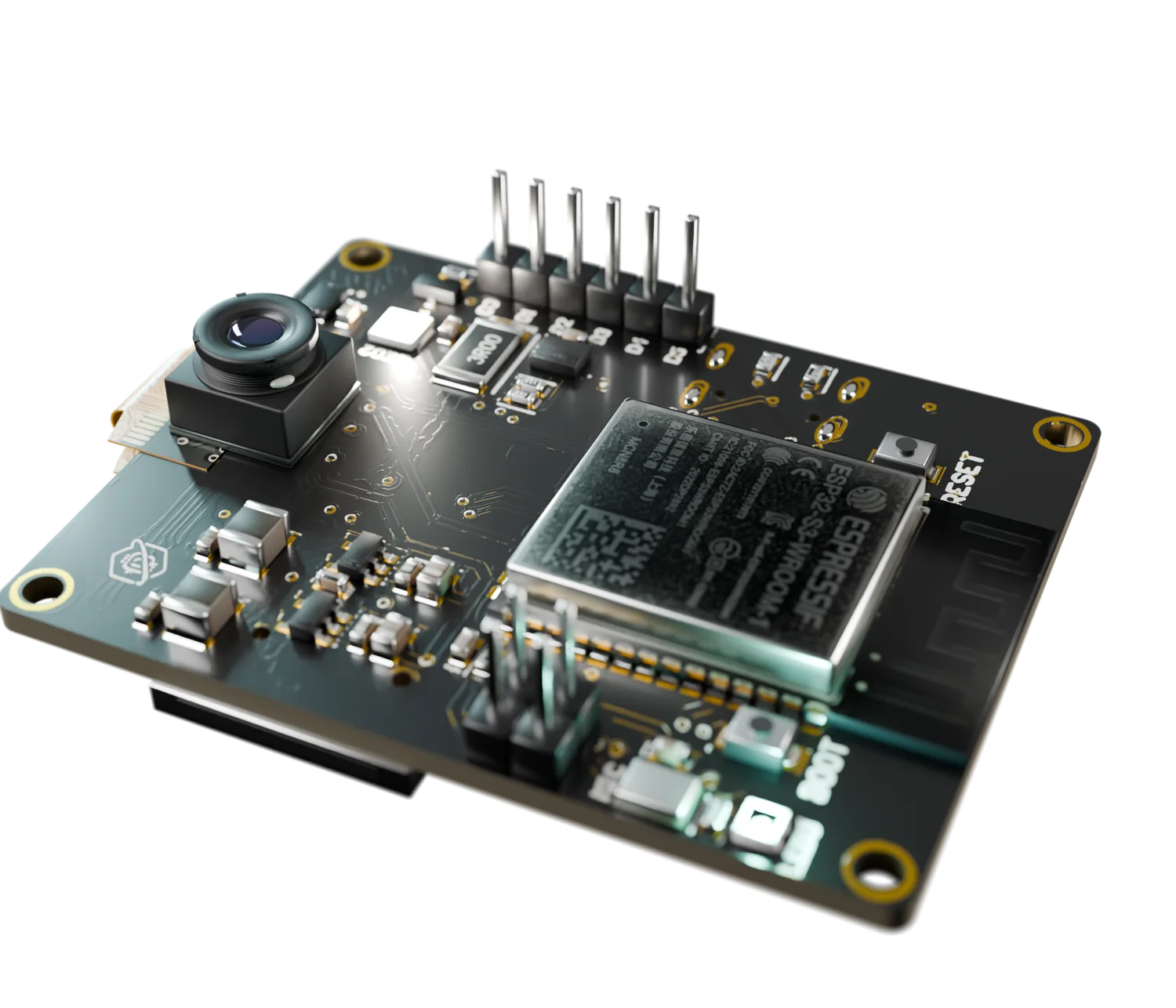
A 5 MP camera with its own flash LED. Photos, video streams and vision projects.
Proton AI Core Vision+
A 5 MP camera, a microphone and a motion sensor on one open-source ESP32-S3 board. Plug in USB-C and build things that see, hear and react.
Launching soon on Crowd Supply · Featured on Hackster.io
What it is
Most boards need a tangle of add-on modules before they can do anything interesting. This one arrives ready: everything below is already on the board and works together.
A 5 MP camera with its own flash LED. Photos, video streams and vision projects.
A digital microphone that picks up sound in the room.
A 6-axis motion sensor that knows when it is moved, tilted or shaken.
A microSD slot for everything it captures.
Wi-Fi and Bluetooth built in, USB-C for your computer.
A Qwiic port for more sensors, and a battery input to cut the cable.
The usual way
Proton AI Core Vision+
Camera, microphone, motion sensor, storage and expansion, tested to run at the same time.
ESP32-S3 · 2.4 GHz
Send what the board sees and hears to your phone, your server or the cloud.
ESP32-S3 · Bluetooth 5 LE
Pair with phones and wearables, or let boards talk to each other.
OV5640 · 5 MP
Take photos, stream video and let your code react to what is in front of it. A flash LED sits right beside the lens.
ICS-43434 · I²S
Listen for a clap, a keyword or a change in the room with a clean digital microphone.
ICM-42670-P · 6-axis
Know when the board is moved, tilted, shaken or dropped.
Bottom side
Keep photos, recordings and sensor logs on a card, with or without a network.
Bottom side · I²C
Click in extra sensors and displays. No soldering.
ATECC608B
A dedicated security chip on the board for projects that need it.
What you can build
A few of the projects this board was made for.
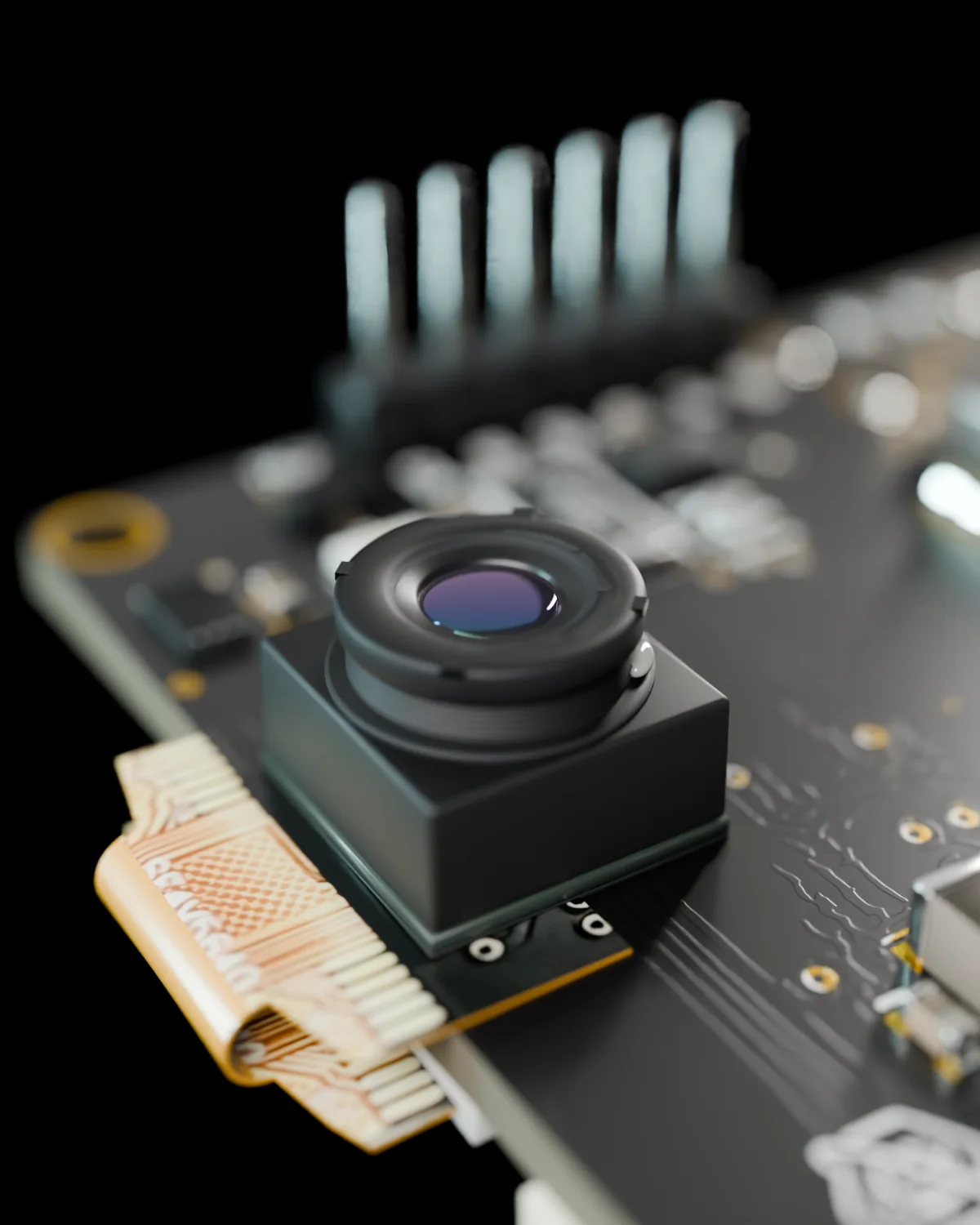
Detect a person, take a photo, send it to your phone.
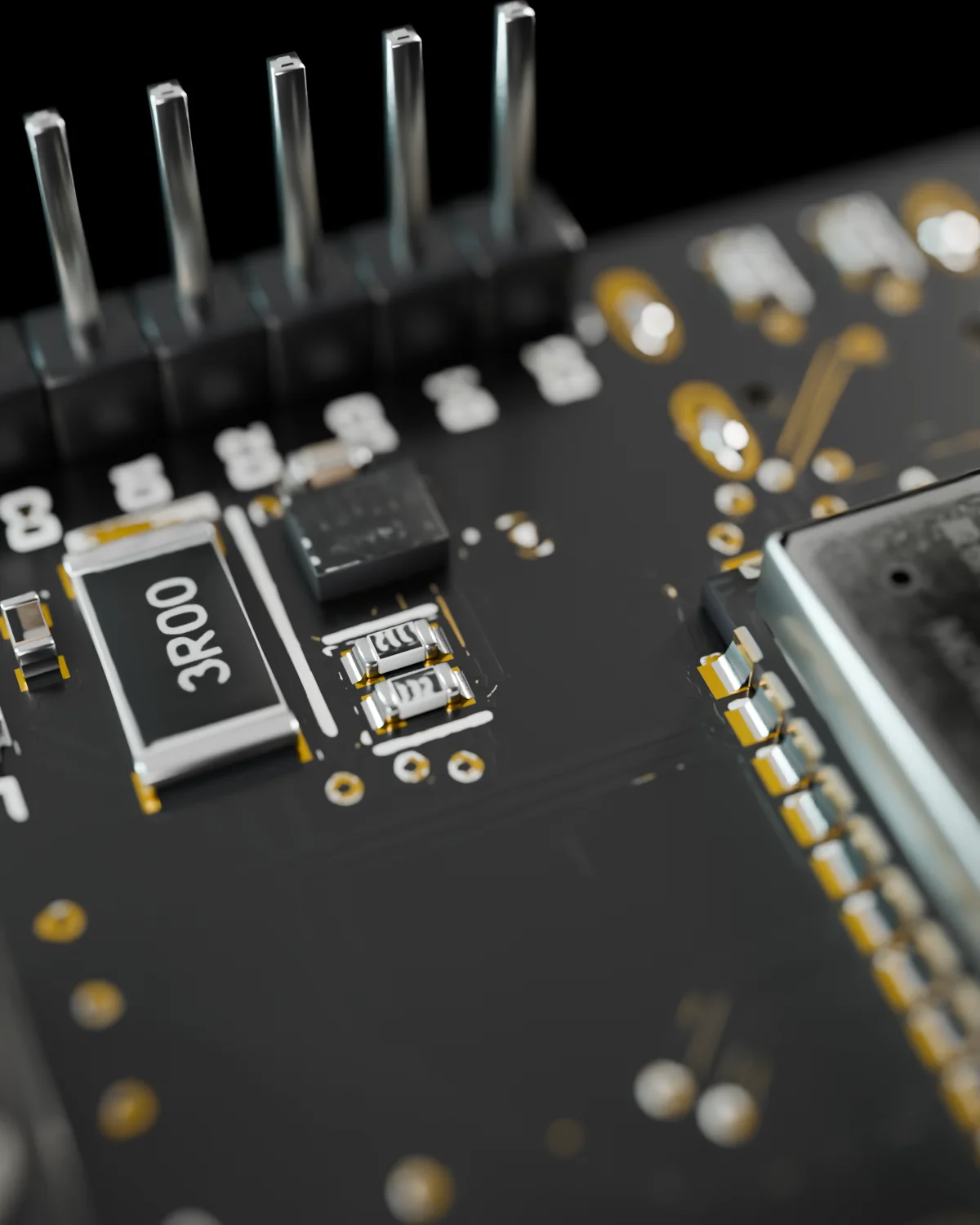
Let the motion sensor wake the camera and save the clip to the card.
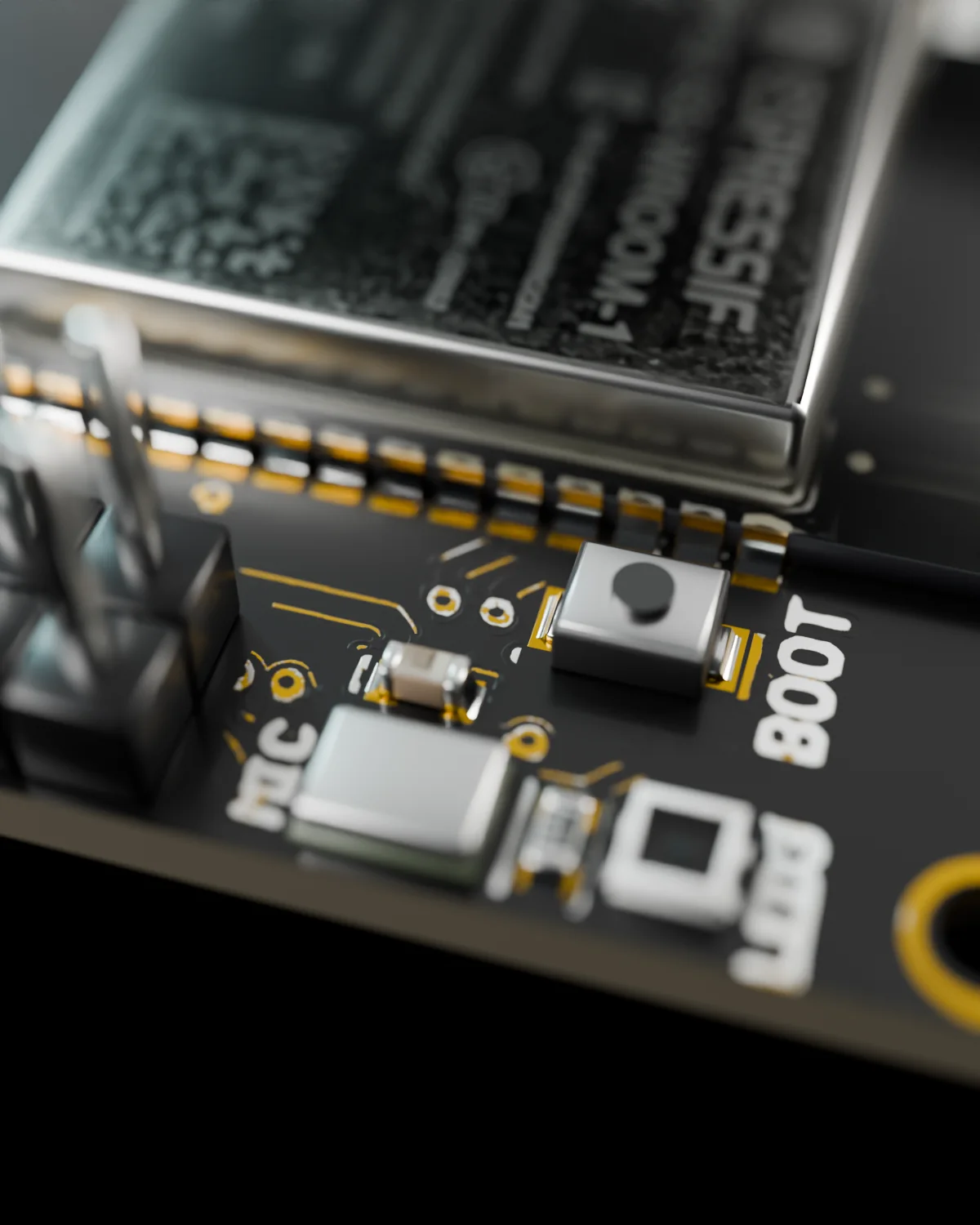
React to a sound, check the camera, log what happened.
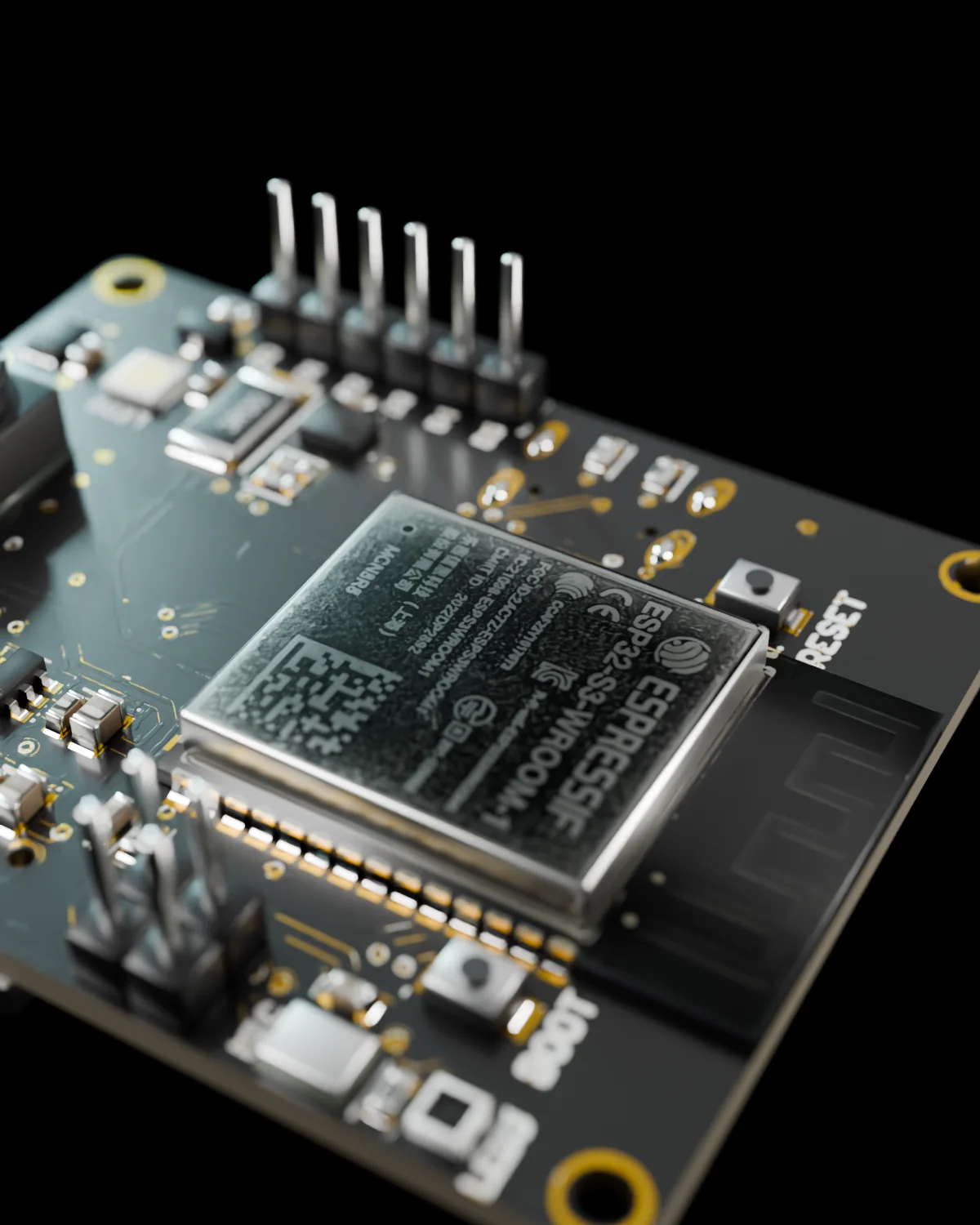
Run small models on the board for voice, vision and motion.
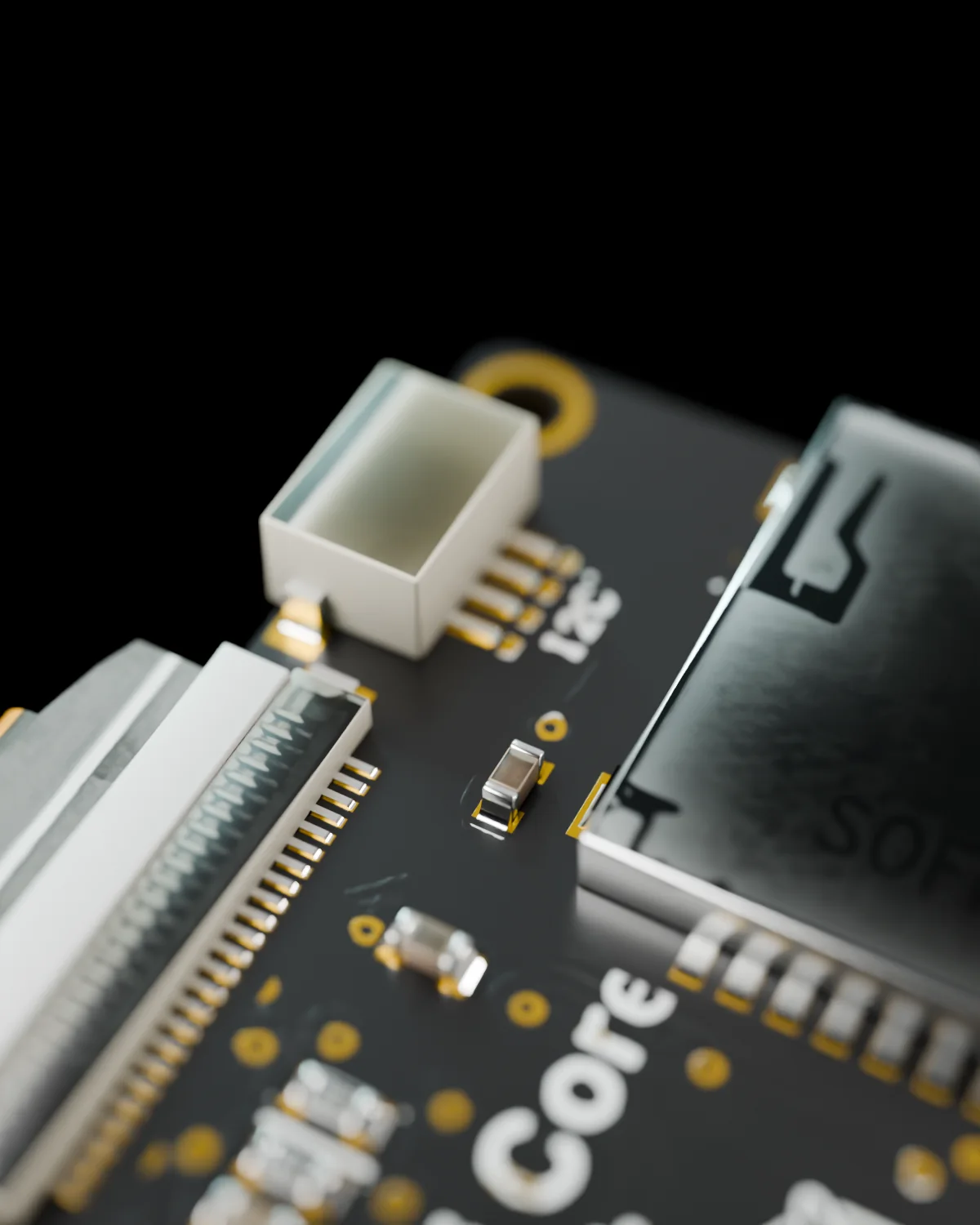
Plug in Qwiic sensors and publish readings over Wi-Fi.
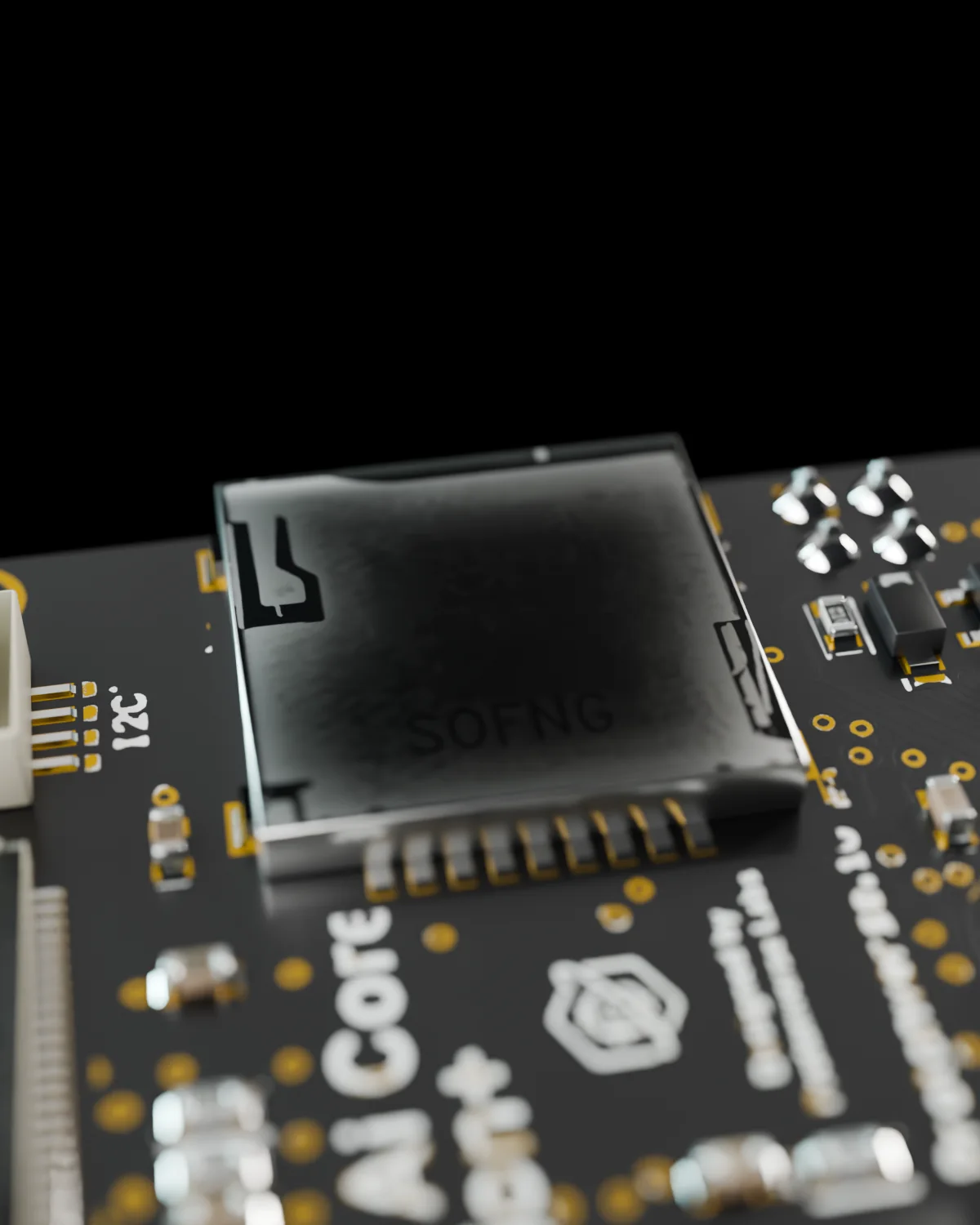
One small board for the camera, the IMU and the logging.
Who it is for
Build the camera project you kept postponing because of the wiring.
Vision, motion and connectivity in a board small enough to mount anywhere.
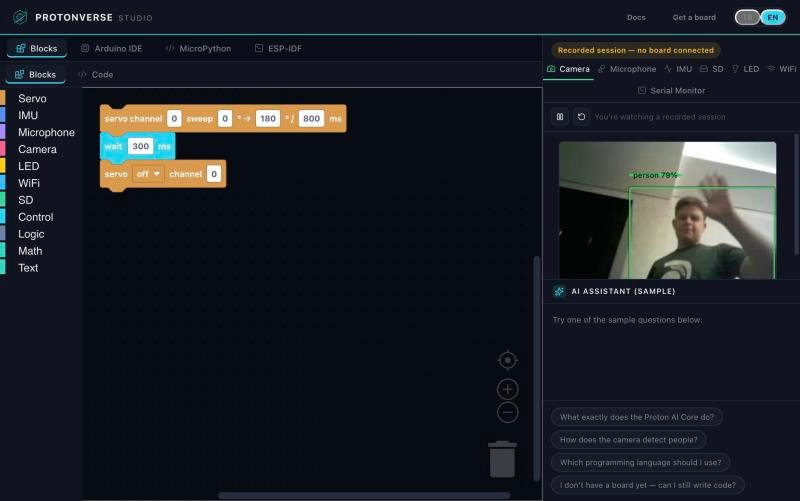
Start with blocks in the browser, grow into Python and C on the same board.
A proven ESP32-S3 platform with open schematics to prototype on.
Hardware
Camera, module, microphone and motion sensor on top. USB-C, battery input, microSD and Qwiic underneath.
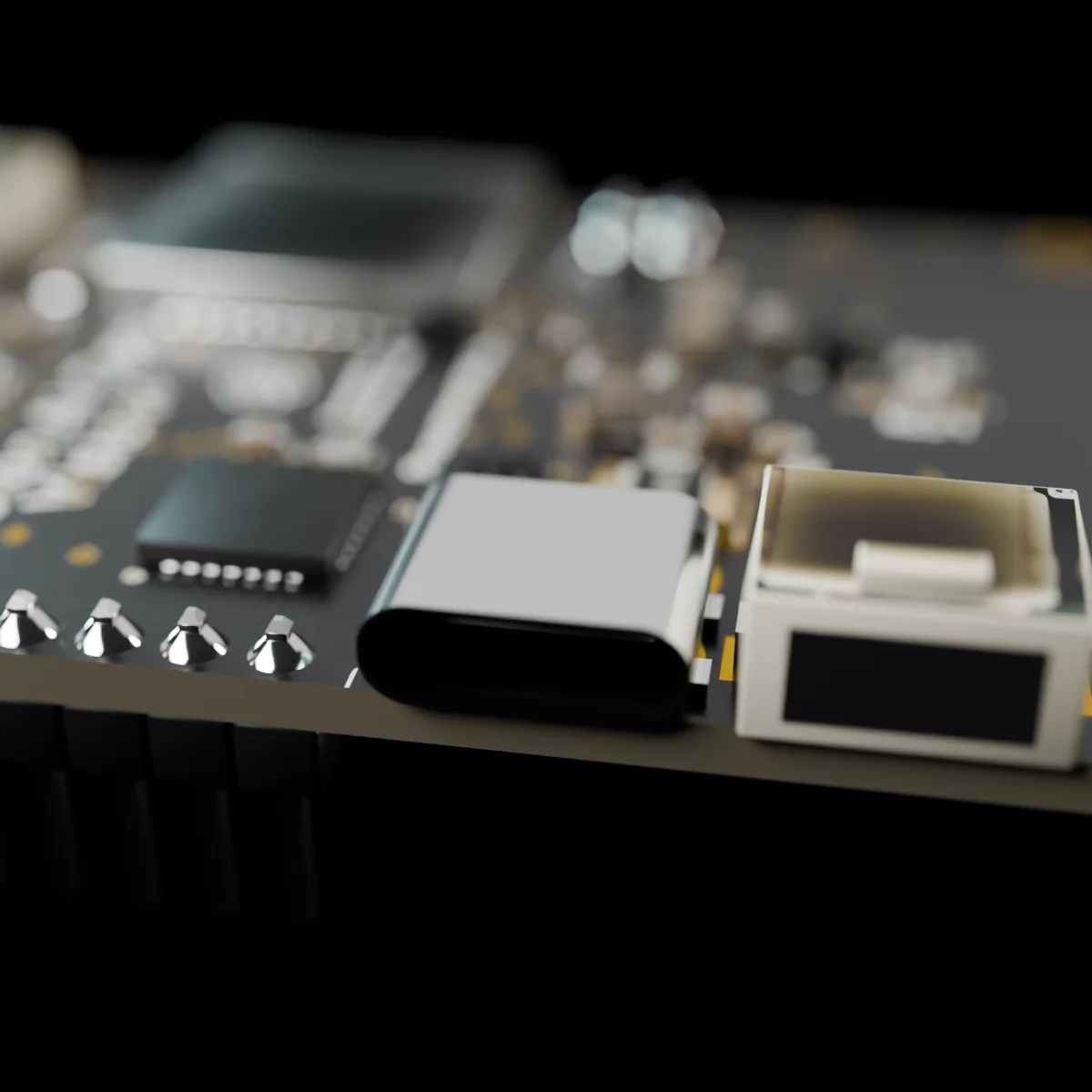
Power, programming and serial over USB-C, with ESD protection.
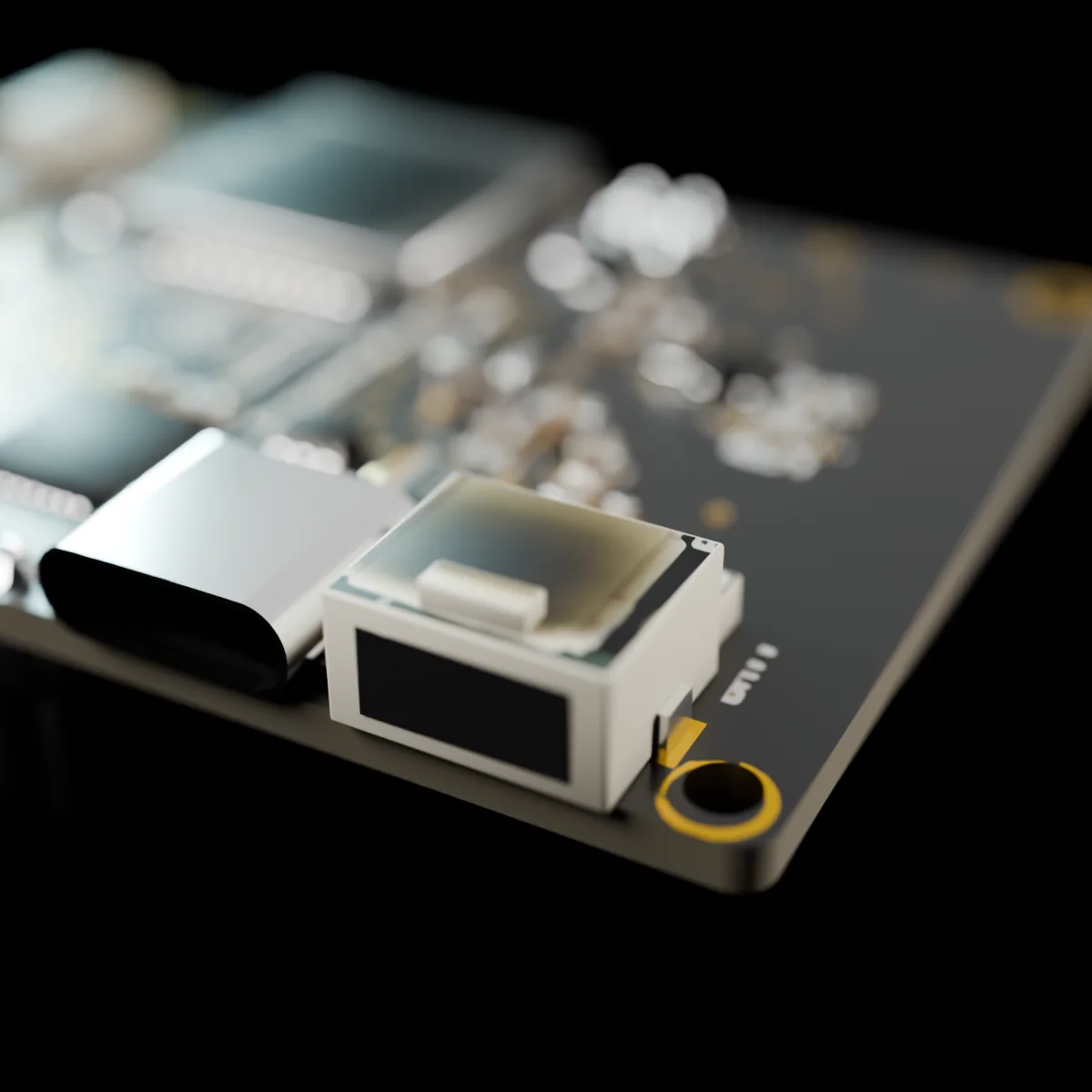
Plug in a Li-Po battery; the board charges it for you.
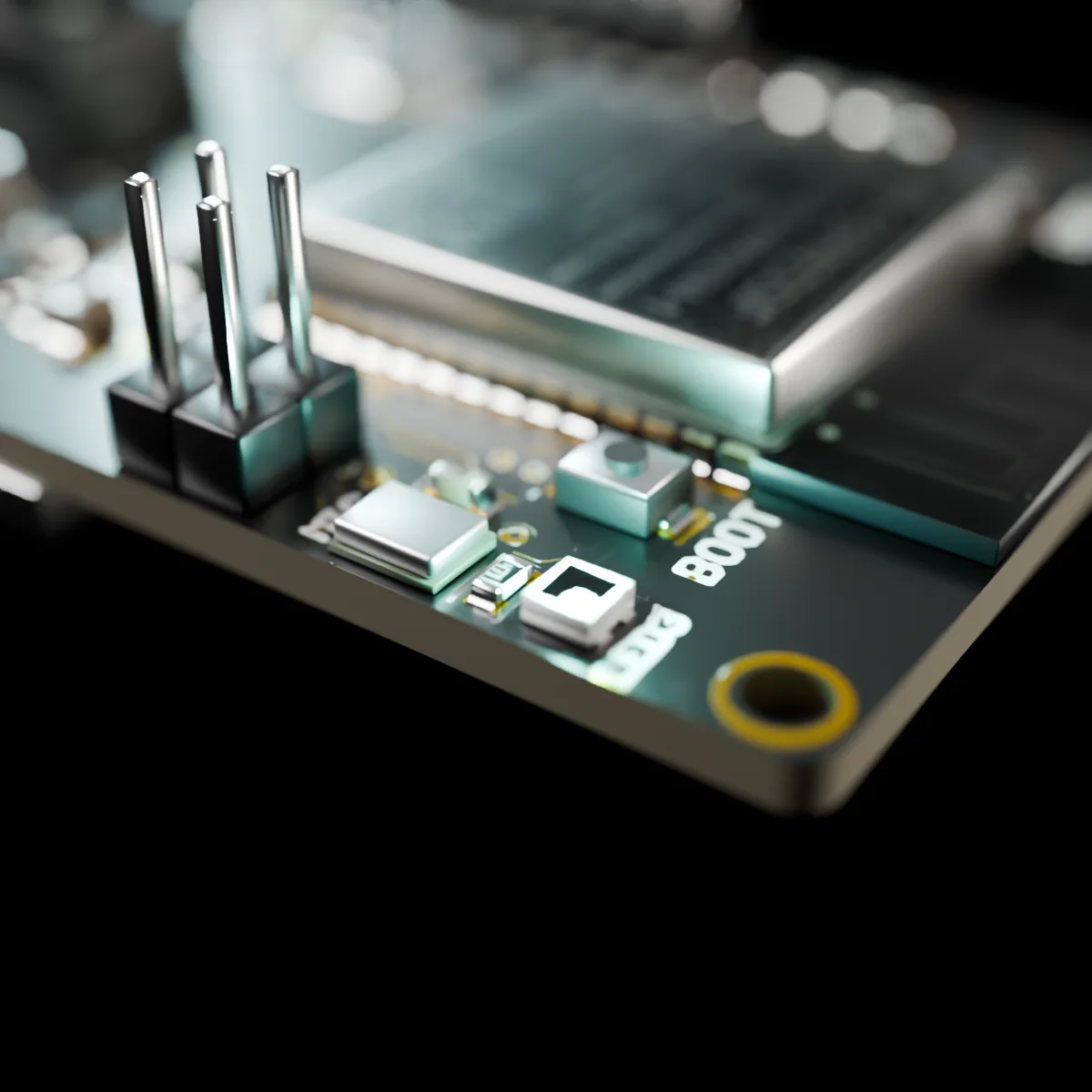
Addressable RGB LED, power LED, BOOT and RESET buttons.
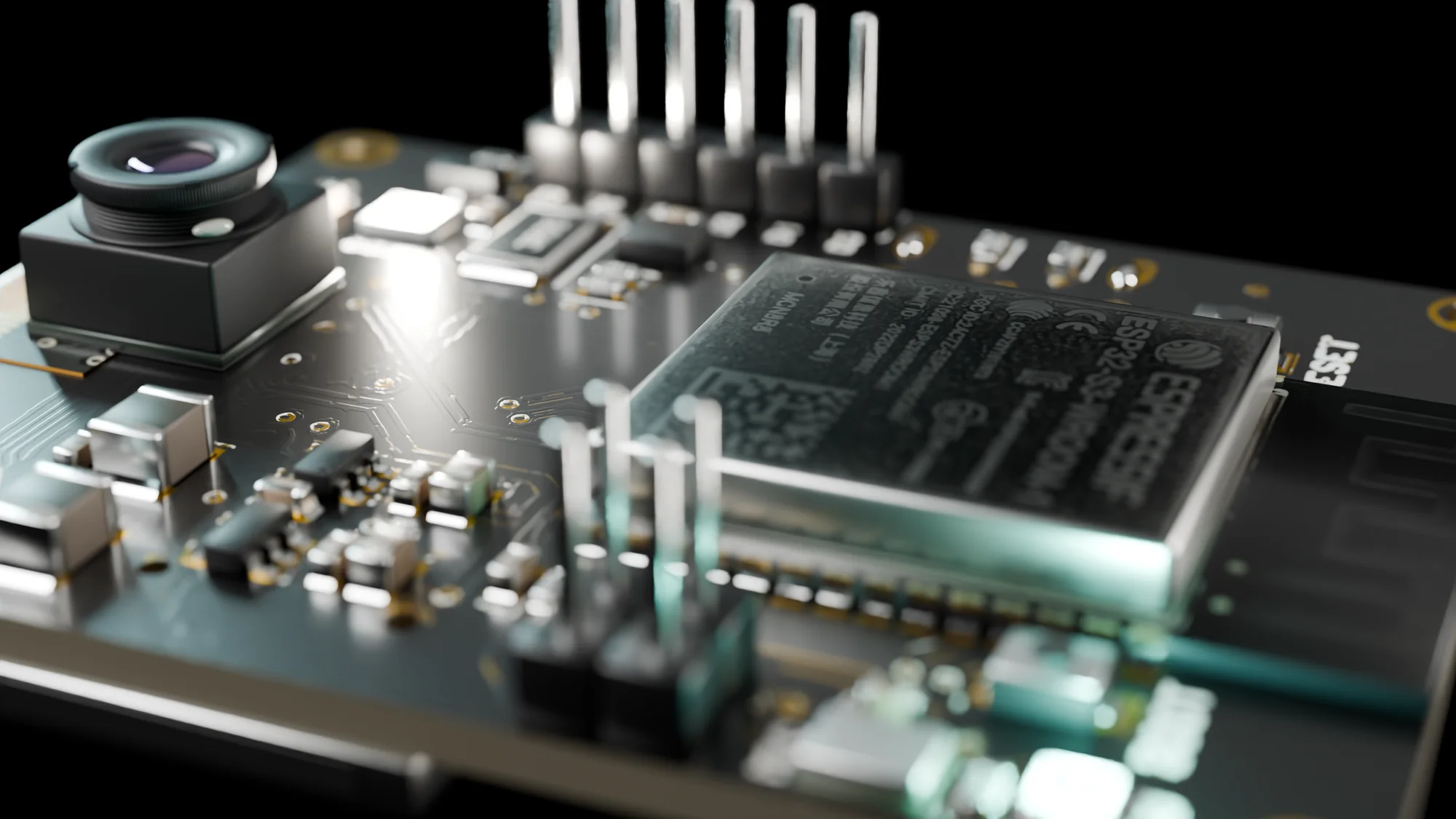
The board
A dual-core ESP32-S3 with 16 MB of flash and 8 MB of PSRAM runs the radios and every sensor on the board.
Specifications
Guides, pin details and examples are in the documentation.
| Module | ESP32-S3-WROOM-1-N16R8, dual-core, 16 MB flash, 8 MB PSRAM |
| Wireless | 2.4 GHz Wi-Fi, Bluetooth 5 (LE) |
| Camera | OV5640, 5 MP, fixed focus, DVP interface |
| Flash LED | On board, for the camera |
| Microphone | ICS-43434 I²S digital MEMS |
| IMU | ICM-42670-P, 6-axis accelerometer + gyroscope |
| Security | ATECC608B secure element |
| Storage | microSD slot |
| Expansion | Qwiic / STEMMA QT compatible I²C connector |
| USB | USB-C, native USB, ESD protected |
| Battery | Single-cell Li-Po input with charging circuit |
| LEDs | Addressable RGB LED, power LED |
| PCB | 4-layer, 39 × 50 mm, 1.6 mm, ENIG, black solder mask |
| Software | Protonverse Studio, Arduino, MicroPython, ESP-IDF |
Open source
The schematic, bill of materials, documentation and examples are on GitHub. Learn from it, build on it, trust what is on your desk.
Built in public
Every revision made the board better. The result is hardware where all the senses run together, ready for production with Elecrow.
A palm-sized development board with a 5 MP camera, a microphone and a motion sensor already built in, plus Wi-Fi, Bluetooth, microSD and a Qwiic port. You program it to see, hear and react.
Smart cameras, motion-triggered recorders, voice and gesture controls, robot vision, sensor stations and data loggers. Small AI models for person detection, wake words and sound or motion recognition run on the board itself.
Yes. Open Protonverse Studio in your browser, drag a few blocks and watch the camera and sensors respond. When you are ready, the same board takes you to Python and C.
Plug in USB-C and use Protonverse Studio in the browser, or your own setup with Arduino, MicroPython or ESP-IDF.
No. Camera, microphone and motion sensor are on the board. A USB-C cable is all you need to start; extra sensors click into the Qwiic port.
Yes. Connect a single-cell Li-Po battery; the board charges it over USB-C.
Yes. The schematic, bill of materials, documentation and examples are on GitHub under CERN-OHL-P v2, and the firmware is MIT licensed.
On Crowd Supply. Subscribe on the campaign page to be notified the moment it opens.
Launching on Crowd Supply
Subscribe on Crowd Supply and be first in line when the campaign opens.